Pickupp Tracking and API Integration with ClickPost
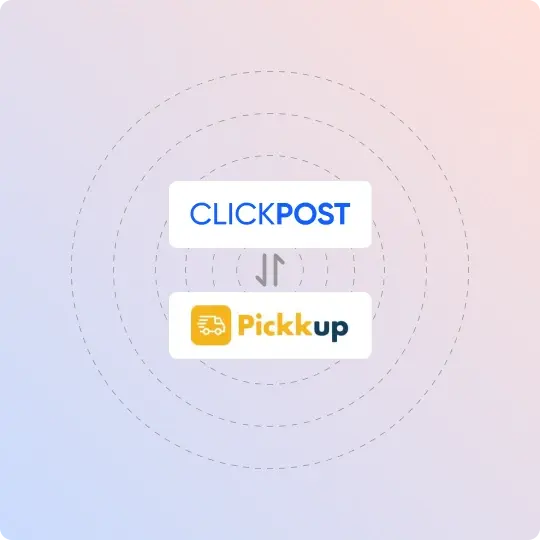
Connect Pickupp with ClickPost to unify carrier integrations, automate post-purchase communication, and gain end-to-end shipment visibility.
Trusted by 450+ global brands
Pickupp Tracking
Benefits of Connecting Pickupp With ClickPost
Brands using Pickupp through ClickPost can streamline shipping operations and improve delivery performance with:
- Reduce RTOs by upto 40% with automated NDR workflows.
- Cut logistics costs by upto 22% with smarter carrier allocation.
- Achieve 35% higher SLA adherence with real-time shipment monitoring
Check the integration library
| Partner ID | Order Creation | Cancellation | Tracking via Polling | Tracking via Webhook | Proof of Delivery (POD) | Non Delivery Report (NDR) | Create Pickup Request | AWB Generation Flow | Label Generation | Country | |
|---|---|---|---|---|---|---|---|---|---|---|---|

Pickupp
|
✓ | ✓ | ✓ | ✓ | ✓ | ✓ | ✓ | Clickpost Generated | India |
Pickupp Services With ClickPost
How to Track Pickupp Packages
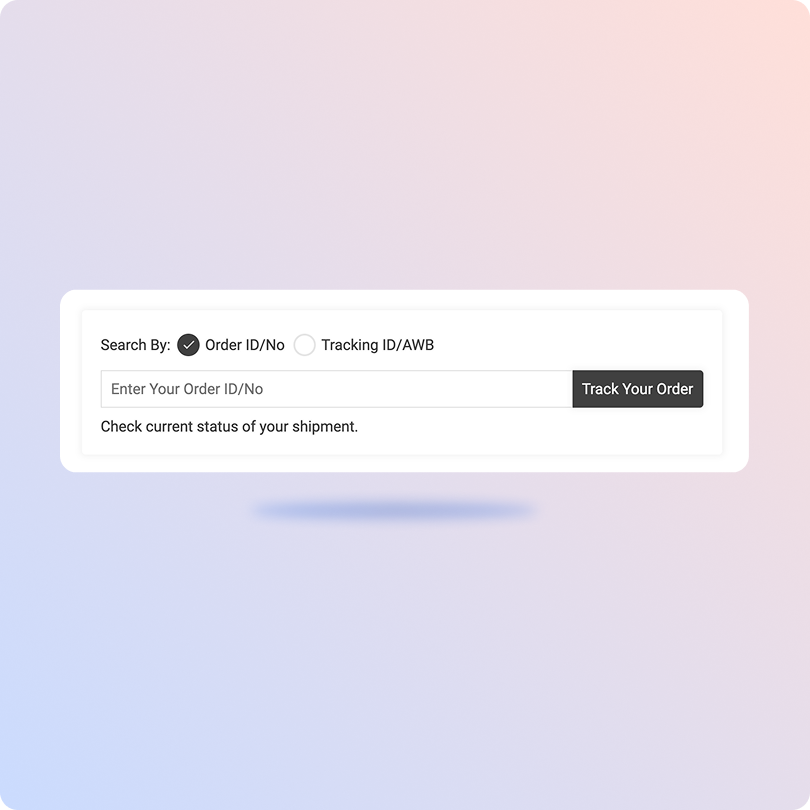
Track Pickupp Packages with ClickPost Tracking Page
- Find your tracking number in your shipment confirmation.
- Open the ClickPost Tracking Page.
- Enter your tracking number in the tracking field.
- Click Track to view your latest shipment status and delivery updates.
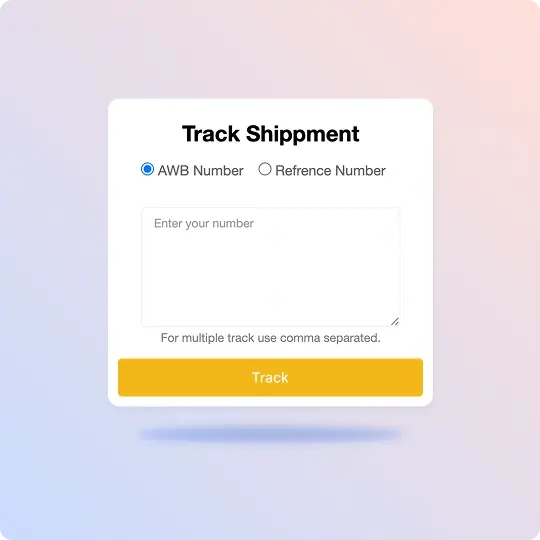
Track Pickupp Packages on the Official Page
- Visit the AfterShip Pickupp tracking page.
- Enter your Pickupp tracking number in the tracking field.
- Click Track to view your shipment status and latest updates.
- Check real-time shipment details, including the current status and delivery progress.
List of Pickupp APIs
| API | Description |
|---|---|
| Manifestation and Label Generation API | Generate a request on Pickupp, retrieve the waybill and shipping label, and start the pickup procedure. |
| Track Shipment API | Monitor the progress of your delivery from Pickupp through the use of the AWB (Air Waybill). |
| Cancellation API | Terminate the shipment documented with the courier to initiate the return process. |
| EDD API | Display estimated arrival time for deliveries on the product page prior to delivery. |
| NDR Action API | Update the post-NDR (Non-Delivery Report) action directly within the courier company's database. |
| Return Webhooks | Monitor the status of your return order by utilizing the AWB. |
Frequently asked questions
How do I integrate the Pickupp tracking API into my e-commerce store?
To integrate the Pickupp tracking API, businesses need to create a Pickupp merchant account, obtain API credentials, and connect their e-commerce or order management system. The integration allows automated shipment creation, tracking updates, and delivery status synchronization through API calls and webhooks.
What are the main features of Pickupp's tracking API?
Pickupp's tracking API keeps your platform synchronized with shipment status updates through webhooks. It shares delivery milestones, proof of delivery, signature details, tracking URLs, and other shipment information as orders progress. It also includes testing tools to replay webhook events and validate integrations.
How can I set up automated tracking notifications for Pickupp shipments?
You can automate Pickupp tracking notifications by integrating Pickupp's shipment status updates with your customer communication system. As shipments progress, events such as out for delivery, delivered, or failed delivery can trigger notifications through SMS, email, or WhatsApp. If you use ClickPost, it captures these tracking events and automates customer notifications from a single platform, making it easier to manage communication across multiple carriers.
How do I handle failed webhook updates from Pickupp?
Failed webhook updates can be managed by logging incoming events, acknowledging requests quickly, and implementing retry mechanisms for unsuccessful updates. Businesses should also reconcile shipment statuses periodically to ensure tracking information remains accurate.
What are the authentication methods for the Pickupp tracking API?
Pickupp's API uses HTTP Basic Authentication to authenticate requests. Merchants receive API credentials during onboarding and must include them in the Authorization header. If you integrate Pickupp through ClickPost, ClickPost manages carrier authentication as part of the integration. This eliminates the need to configure authentication separately for each carrier.
Does Pickupp provide a sandbox environment for API testing?
Pickupp provides testing tools through its merchant portal that allow businesses to validate API workflows before processing live shipments. Businesses can test shipment creation, tracking events, and webhook responses to identify integration issues before launch.
How can I track a Pickupp shipment using a tracking number?
Customers can track a Pickupp shipment by entering their tracking number on a supported tracking page. The tracking system displays shipment progress, delivery updates, and final delivery confirmation.
What shipment statuses are available through the Pickupp tracking API?
The Pickupp tracking API provides shipment lifecycle updates such as pickup scheduled, picked up, in transit, out for delivery, delivered, and failed delivery. These updates help businesses monitor shipments and trigger operational workflows.
Can Pickupp API be integrated with Shopify or WooCommerce stores?
Yes, Pickupp API can be integrated with Shopify, WooCommerce, and other e-commerce platforms through direct API connections or integration platforms. This enables automated shipment creation, order synchronization, and customer tracking updates.
How does Pickupp webhook integration work?
Pickupp webhooks automatically send shipment status updates to a configured endpoint whenever an order changes status. Businesses can use these updates to synchronize internal systems, trigger notifications, and maintain real-time shipment visibility without frequent API polling.
Streamline your shipping experience with ClickPost