ClickPost D2C Industry Trends Report 2026

Logistify Tracking and API Integration with ClickPost

Integrate Logistify with ClickPost to create a seamless post-purchase experience that includes branded tracking pages, automated customer notifications, and smart carrier allocation.

Logistify integration

Trusted by 450+ global brands

PUMA - SVG - 50
Decathlon-slider-logo
nykaa-slider-logo
Herbalife - SVG - 50
lenskart-slider-logo
Dogtra - SVG - 50
The Body Shop - SVG - 50
Birkenstock - SVG - 50
New Me - Slider Logo
Palome - SVG- 50
Tata 1mg - Gray - 50
Adidas - SVG - 50
Jackery - SVG - 50
Oriflame - SVG - 50
Giva - Slider Logo
Mars - Slider Logo - SVG
Sotheby - SVG - 50
ABFRL - SVG - 50
Logistify Clickpost

Benefits Of Connecting Logistify With ClickPost

Upgrade your logistics game with the combined smart solutions of Logistify and ClickPost:

  • Eliminate manual efforts and improve operational efficiency by 28%.
  • Trigger alerts across various channels, resulting in a 33% improvement in Net Promoter Scores (NPS).
  • Lower 'Where Is My Order' (WISMO) queries by 80% and increase customer loyalty through a branded tracking portal and on-time delivery alerts.

Check the integration library

Partner ID Order Creation Cancellation Tracking via Polling Tracking via Webhook Proof of Delivery (POD) Non Delivery Report (NDR) Create Pickup Request AWB Generation Flow Label Generation Country
logo
Logistify
5 India

How To Track Logistify Packages

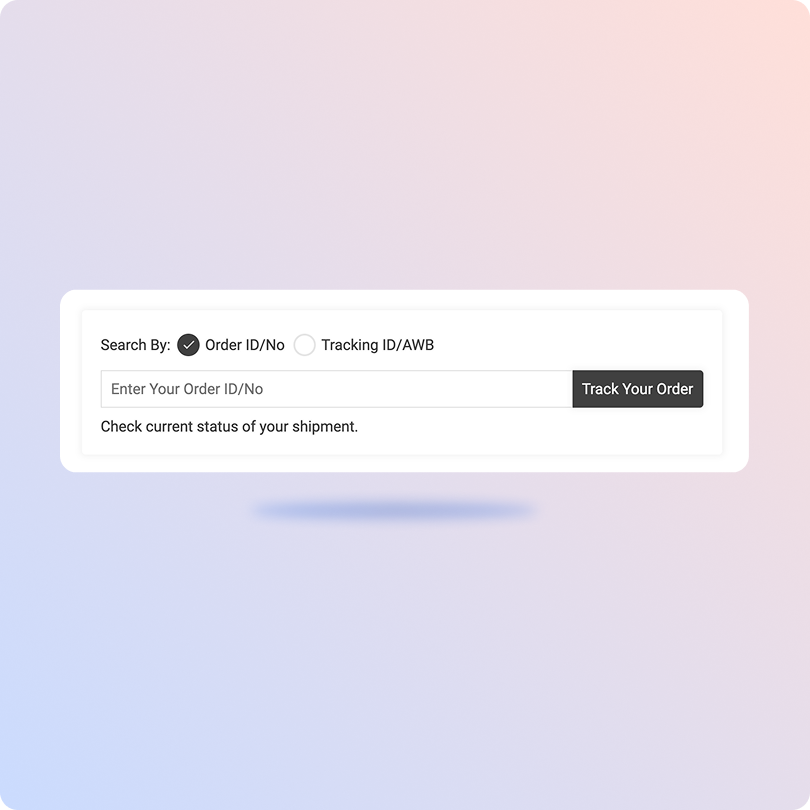
Track Logistify Packages With ClickPost Tracking Page

  • Find your AWB (Air Waybill) or order number in the shipping confirmation email or SMS.
  • Go to ClickPost’s official tracking page.
  • Once redirected, enter your AWB or order number in the search bar.
  • Click on “Track” to see real-time updates of your shipment.
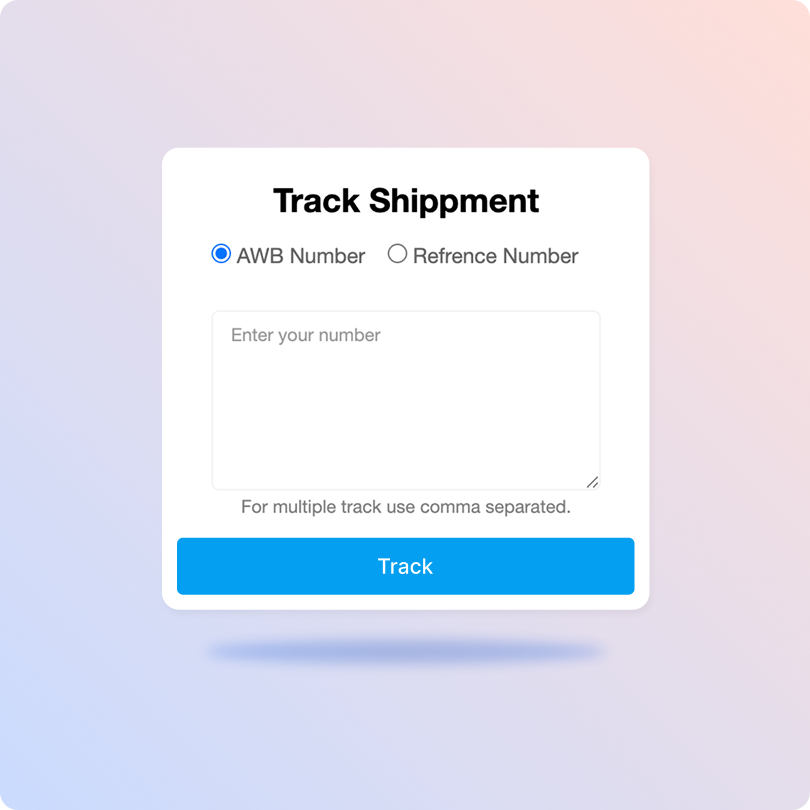
Track Logistify Packages On The Official Site

  • Obtain the AWB or order number for tracking.
  • Visit Logistify's official tracking page.
  • Enter the AWB or order number in the search field.
  • Click the “Check Now” button to view the current status of your shipment.

List of Logistify APIs

API Description
Manifestation and Label Generation API Create Logistify shipment orders and generate shipping labels in bulk.
Track Shipment API Get real-time updates of every Logistify shipment through ClickPost’s unified dashboard.
Cancellation API Instantly cancel Logistify shipments without contacting the shipping carriers.
EDD API Display accurate expected delivery dates on product and checkout pages to build brand loyalty.
NDR Action Update Resolve failed delivery attempts for Logistify shipments and reduce return rates with quick actions.
Return Webhooks Easily manage returns and refunds of Logistify shipments.
API & Description
Manifestation and Label Generation API
Create Logistify shipment orders and generate shipping labels in bulk.
Track Shipment API
Get real-time updates of every Logistify shipment through ClickPost’s unified dashboard.
Cancellation API
Instantly cancel Logistify shipments without contacting the shipping carriers.
EDD API
Display accurate expected delivery dates on product and checkout pages to build brand loyalty.
NDR Action Update
Resolve failed delivery attempts for Logistify shipments and reduce return rates with quick actions.
Return Webhooks
Easily manage returns and refunds of Logistify shipments.

Frequently asked questions

Everything you need to know about ClickPost’s Carriers Integration

How does ClickPost use AI for Carrier Allocation?

ClickPost uses AI-driven algorithms to analyze multiple factors, such as cost, turnaround times, SLA Adherence for carriers, to recommend the best carrier for each shipment.

How does ClickPost use AI for Carrier Allocation?

ClickPost uses AI-driven algorithms to analyze multiple factors, such as cost, turnaround times, SLA Adherence for carriers, to recommend the best carrier for each shipment.

How does ClickPost use AI for Carrier Allocation?

ClickPost uses AI-driven algorithms to analyze multiple factors, such as cost, turnaround times, SLA Adherence for carriers, to recommend the best carrier for each shipment.

How does ClickPost use AI for Carrier Allocation?

ClickPost uses AI-driven algorithms to analyze multiple factors, such as cost, turnaround times, SLA Adherence for carriers, to recommend the best carrier for each shipment.

Frequently asked questions (FAQ's)

How does ClickPost's integration with Logistify improve my overall shipping efficiency?

Integrating Logistify with ClickPost eliminates the need to manage shipments across multiple platforms. You can manage orders, generate labels automatically, and track shipments in real-time with a centralized dashboard. By reducing the manual work, you speed up the shipment fulfillment process while lowering the risk of errors and increasing the efficiency of shipping operations.

Can I automate carrier selection between Logistify and other carriers on ClickPost?

Yes! With ClickPost's smart carrier recommendation engine, you can set custom rules to automatically allocate shipments to Logistify based on factors like delivery zone, order weight, serviceability, or cost. This means the best carrier is assigned every time, without your team having to decide on each order manually.

How does ClickPost ensure customers stay informed about their Logistify shipments?

ClickPost triggers automated, branded notifications at every Logistify shipment milestone via WhatsApp, SMS, and email. From pickup confirmation to out-for-delivery alerts, your customers stay informed in real time. This proactive communication significantly reduces WISMO (Where Is My Order) calls and builds stronger post-purchase trust with your buyers.

What happens when a Logistify shipment gets stuck or delayed? How does ClickPost respond?

ClickPost continuously monitors all Logistify shipments for exceptions like delays, stuck-in-transit cases, or undelivered attempts. When an anomaly is detected, ClickPost instantly flags it on your dashboard and triggers automated escalation workflows, so your team can act quickly, proactively reach out to customers, and prevent small delays from turning into bigger problems.

Can I reconcile Logistify COD remittances and shipment data directly through ClickPost?

Yes. ClickPost simplifies COD reconciliation for Logistify shipments by consolidating remittance data, delivery confirmations, and payment statuses into a single platform. You can easily cross-check expected and received COD amounts, quickly identify discrepancies, and maintain clean financial records, saving your finance and operations teams hours of manual reconciliation work every week.

Streamline your shipping experience with ClickPost

image (3)-3